
Globs:
A Primitive Shape for Graceful
Blends Between Circles
Geometric primitives are a staple of illustration systems. They provide artists with shapes that are easy to understand and create, yet can be easily combined and modified into more complex structures. Here we introduce a new 2D geometric primitive called a glob. It is a smooth curved shape that blends two circles of any radii. Globs are controlled with a few parameters which have immediate geometric interpretations.
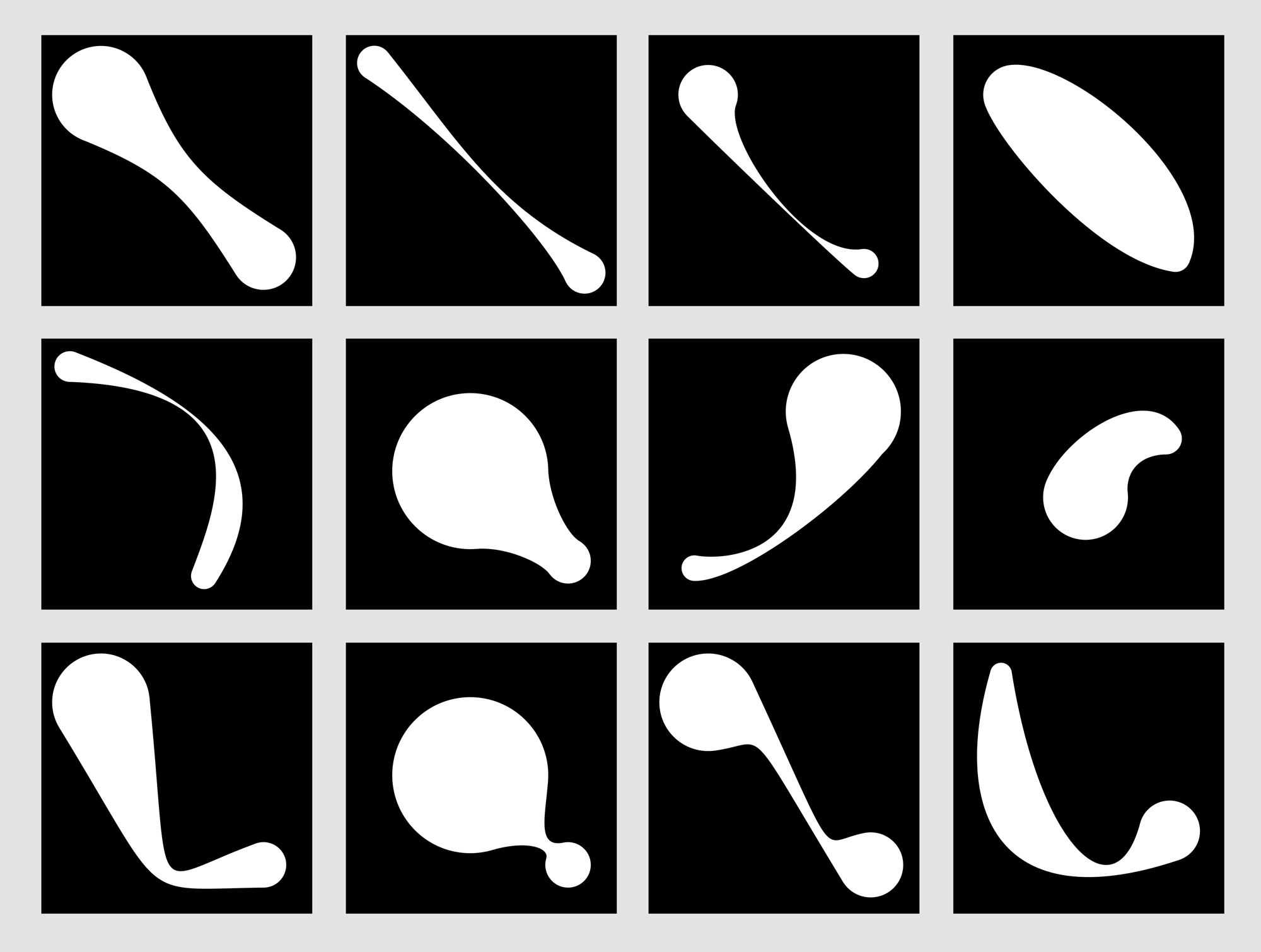
Almost every illustration system offers a mix of free-form and predefined shapes that can be used as starting points for more complicated shapes. These shapes can be broken down into three categories: geometrically primitive shapes (e.g., circles and polygons), compound shapes (e.g., rectangles with circles on the ends), and procedural shapes (e.g., swept shapes and algorithmically-generated blends).
Part of the design of an illustration system involves choosing the right collection of these primitives. A list that’s too small can be constraining, while a list that’s too big can be unwieldy and bewildering.
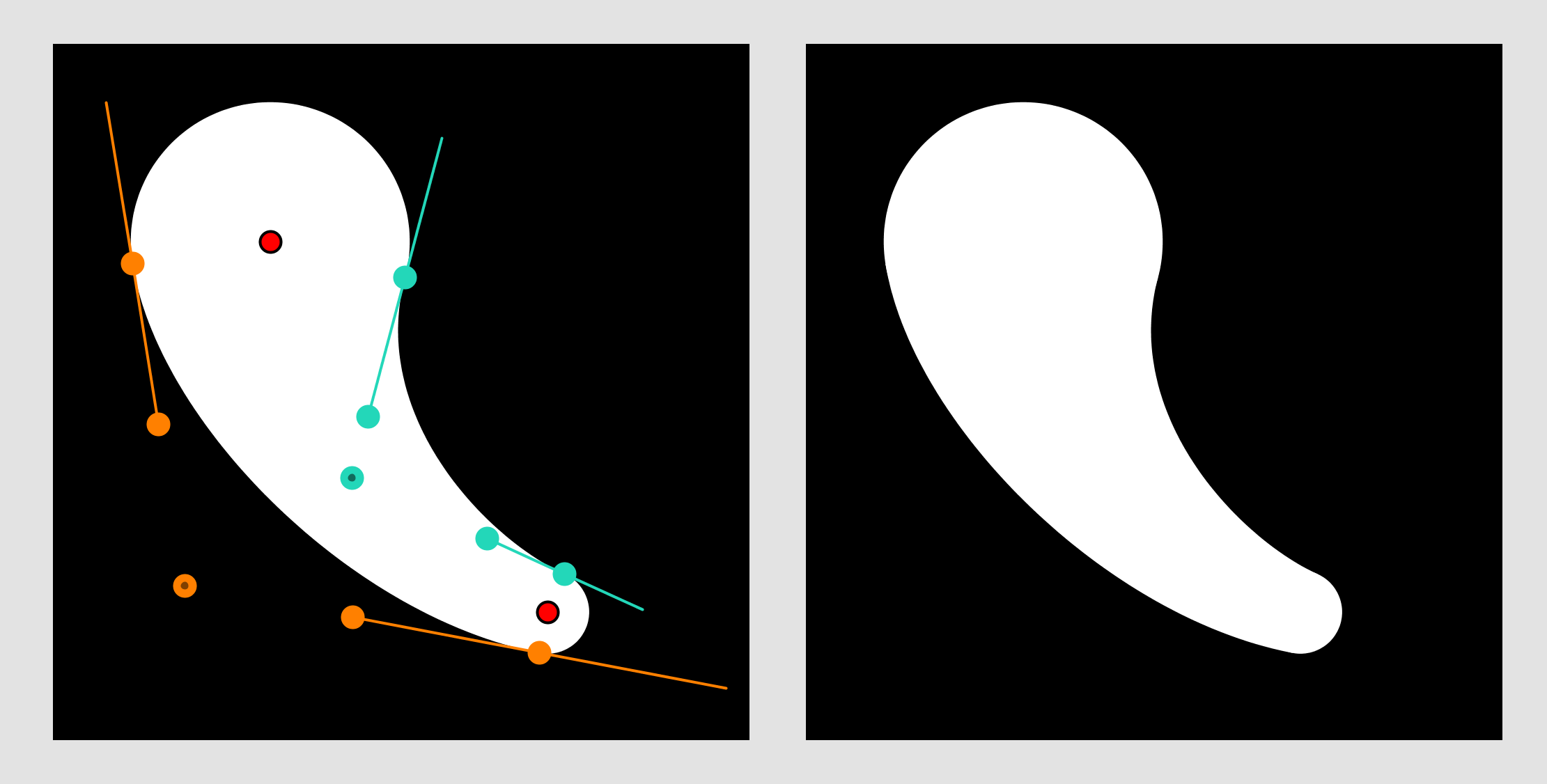
This paper describes a new primitive I call a “glob.” It consists of two circles, and a smooth connecting “neck” between them. On the right you can see the basic tools for specifying a glob interactively. There are the centers and radii of the two circles, and four control points that define the shape of the neck. Under the hood, the system computes Bezier curves that ensure G1 continuity (that is, a smooth derivative) between the circles and the neck, guaranteeing a graceful blend.
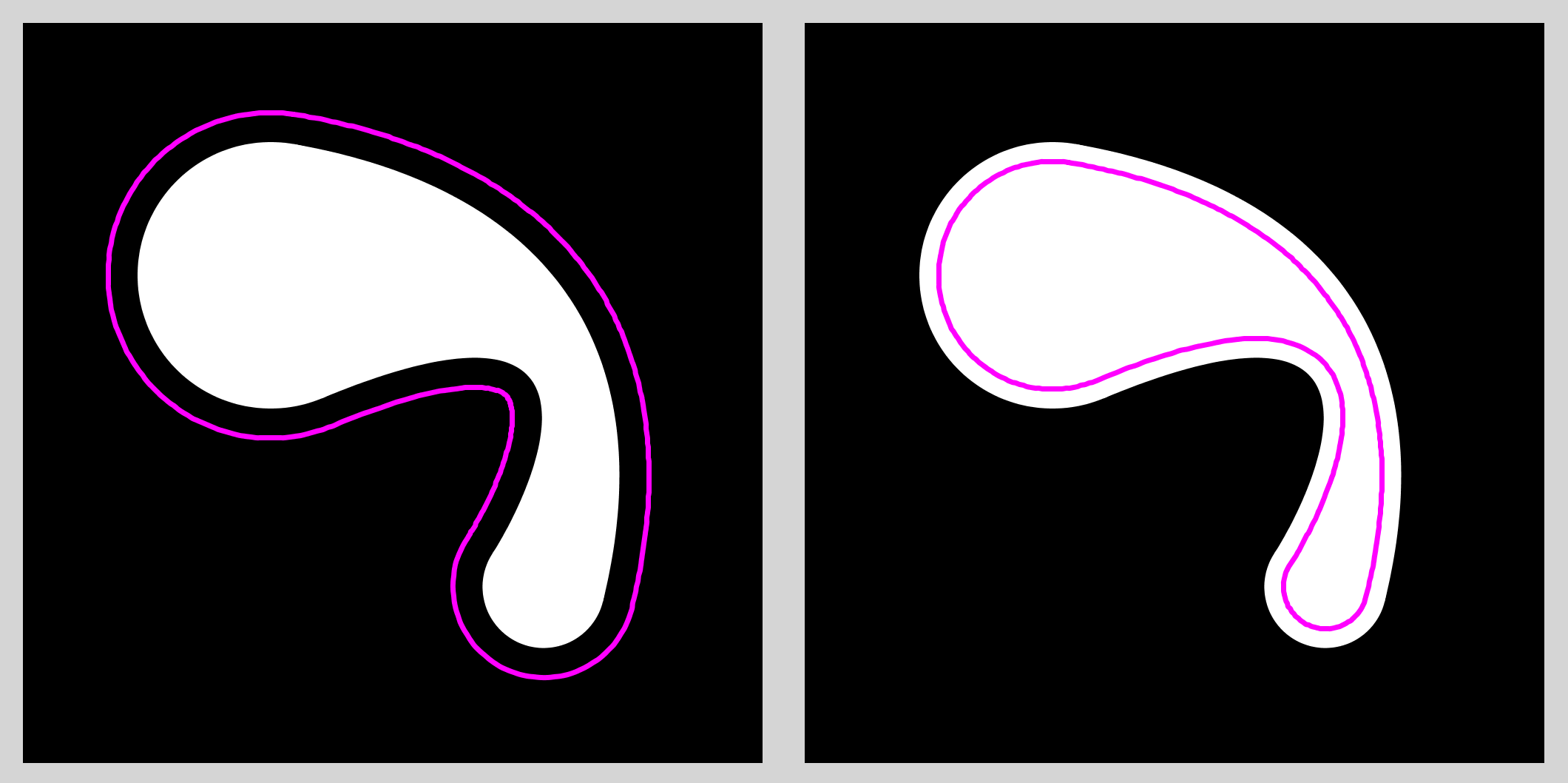
Globs have tons of nice properties. For example, it’s easy to create offset curves, either inside or outside the glob shape.
As you can see from the gallery above, globs are capable of expressive a wide variety of shapes, from simple blobs to long, thin boomerangs and tons of other cools shapes. Just fooling around with them interactively is a lot of fun!
Globs are really great for animations! I made a bunch of infinite-loop GIFs for Tumblr back when that was thing, and some of those animations featured globs. Here’s one of the first, where I created a ring of globs. As time goes on, the globs move and rotate around the ring, and the parameters that control the neck also change cyclically. I hand-tuned the animation over many iterations to get what you see here.
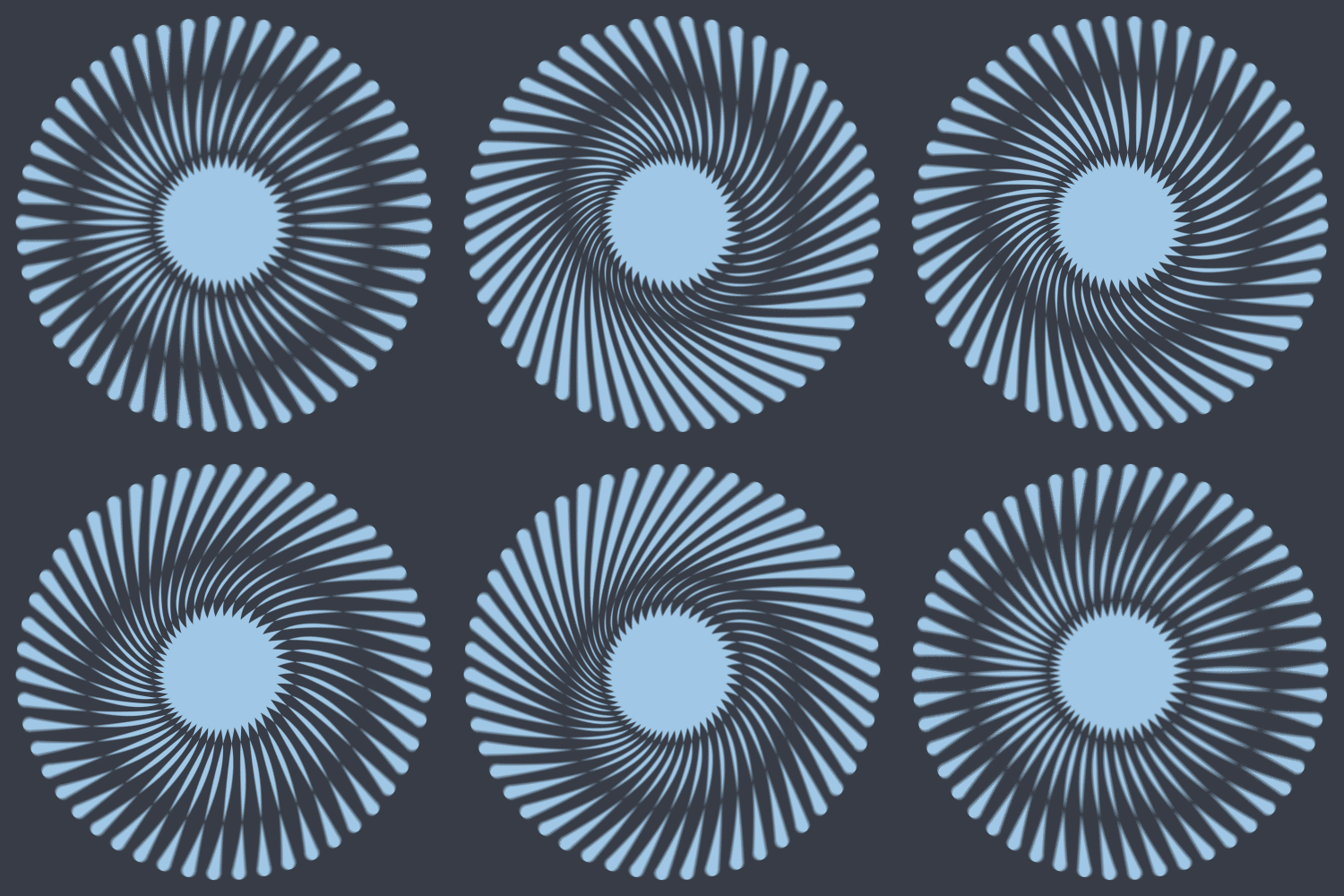
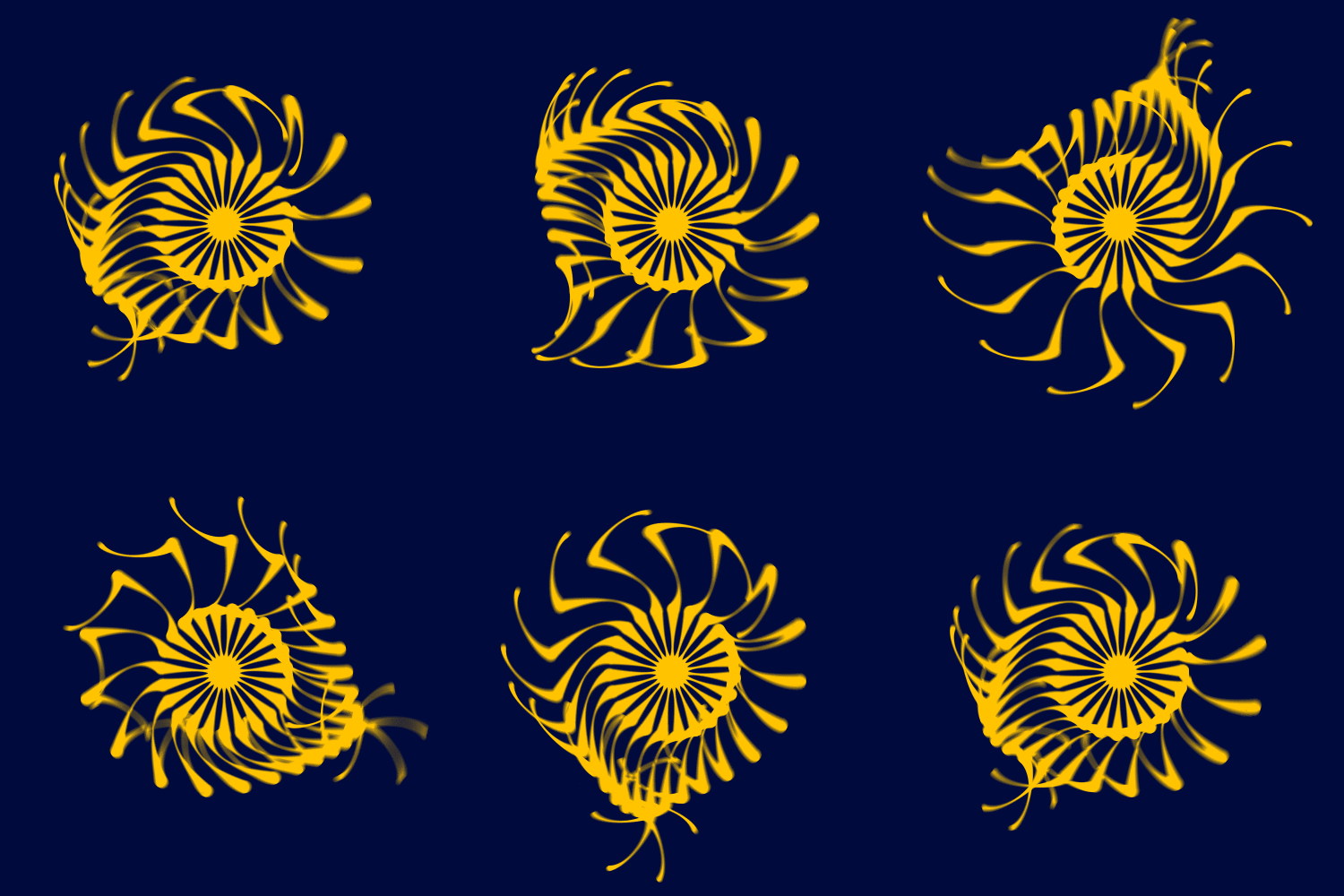
Here’s another animation. I think I started with the last one, and added a second glob on to the end of each. Over time, the inner globs rotate without changing shape, but the outer globs animate in a few ways. The outermost circle moves periodically (just guessing at this point, I’d say they’re each moving in a small circle, but the circle-upon-circle interaction makes the motion look a lot richer). One aspect of this that I really loved is how dynamic the animation is, from the recurrent flattish area near the top to the pinwheel that forms in the bottom right, and then spins away. I really enjoyed playing with the parameters of the globs over the course of the animation, changing all kinds of things until it just felt right.
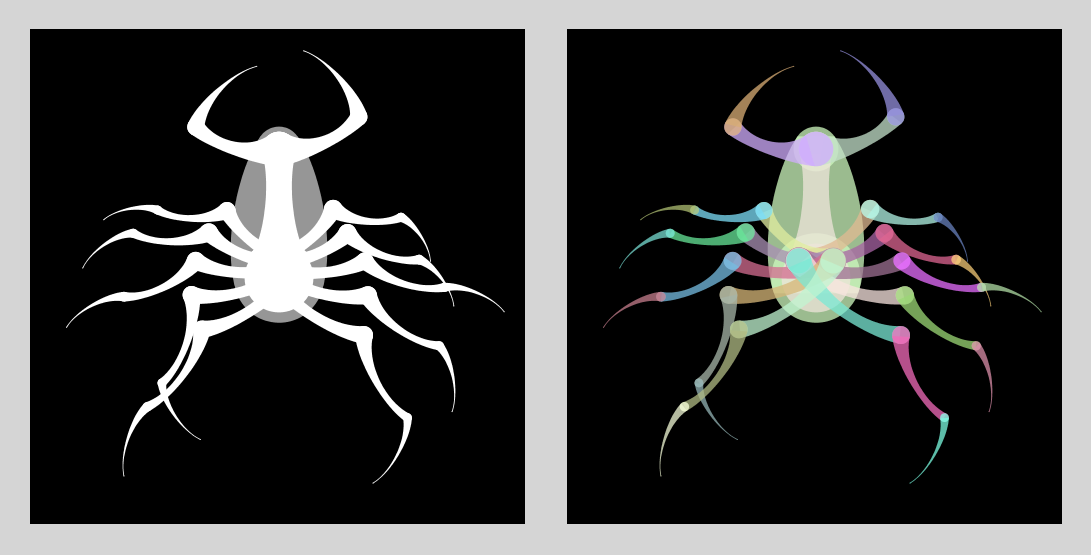
I made new GIFs on a regular basis for at least a year (I think I released a new one every couple of days, or maybe it was once a week). Around Halloween, I wanted to make something spooky. I started with the bug on the left, but then I went more abstract. I set the radius of one circle to 0 to form a point. From there, it was a short trip to a three-glob “arm” that would start out curled up, unfold, and then… SNAP! shut again.
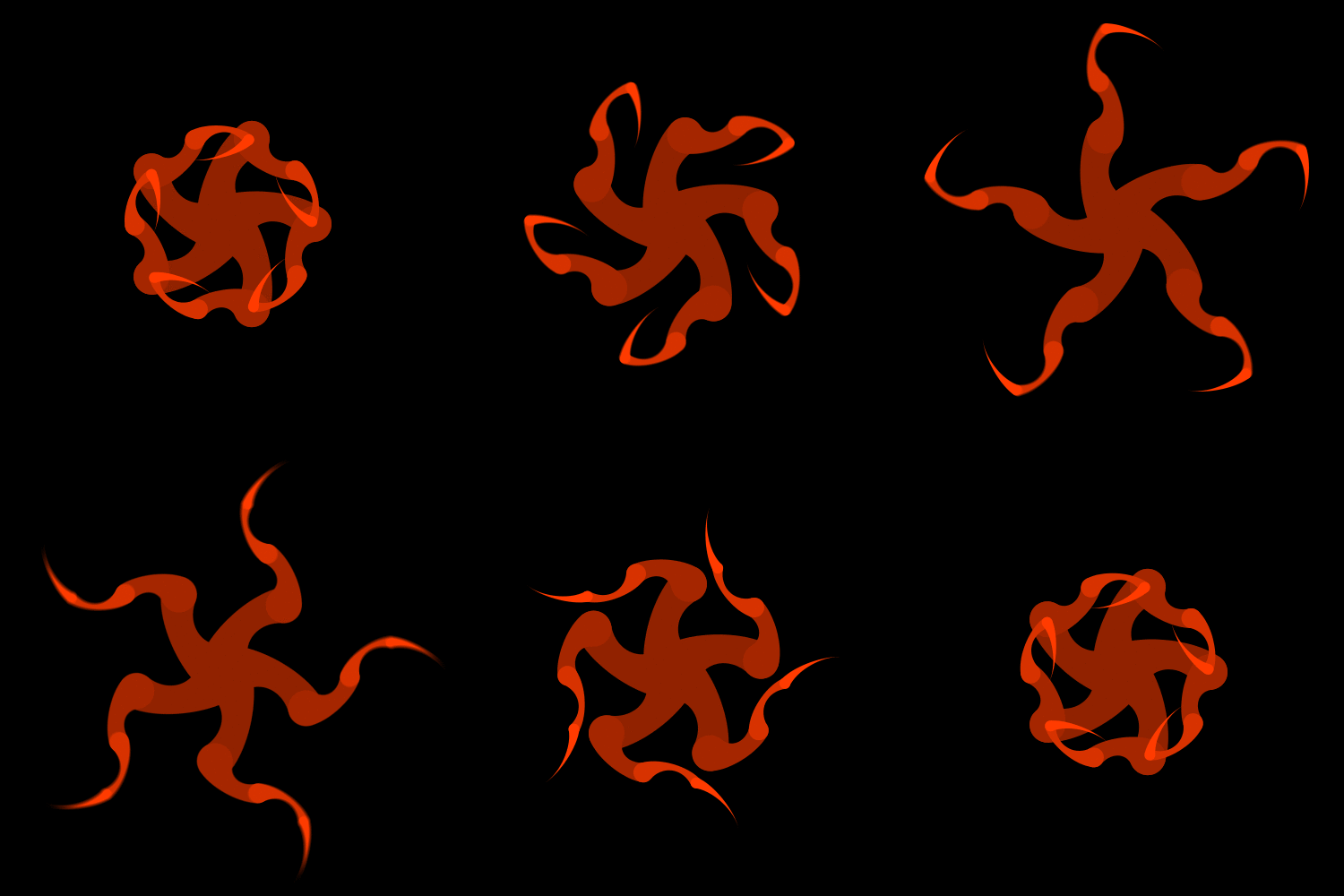
Globs are a lot of fun to play with. They’re a small and easily-controlled design element that is useful for both static illustrations and animations. They’re a lot more versatile than I first thought they’d be!
References
Glassner, A., “Globs: A Primitive Shape for Graceful Blends Between Circles,” Journal of Computer Graphics Techniques Vol. 3, No. 1, 2014